 StokOpus
Open and close my cash desk
Start the day, take money out and close without mistakes.
Open the cash desk
Open the Cash desk tab and tap Open the cash desk.
Enter the money in the drawer at the start (the float).
Confirm. Cash sales are then added automatically.
When another person takes over the cash desk, they must confirm the Amount received before starting. Everyone is responsible for their own shift.
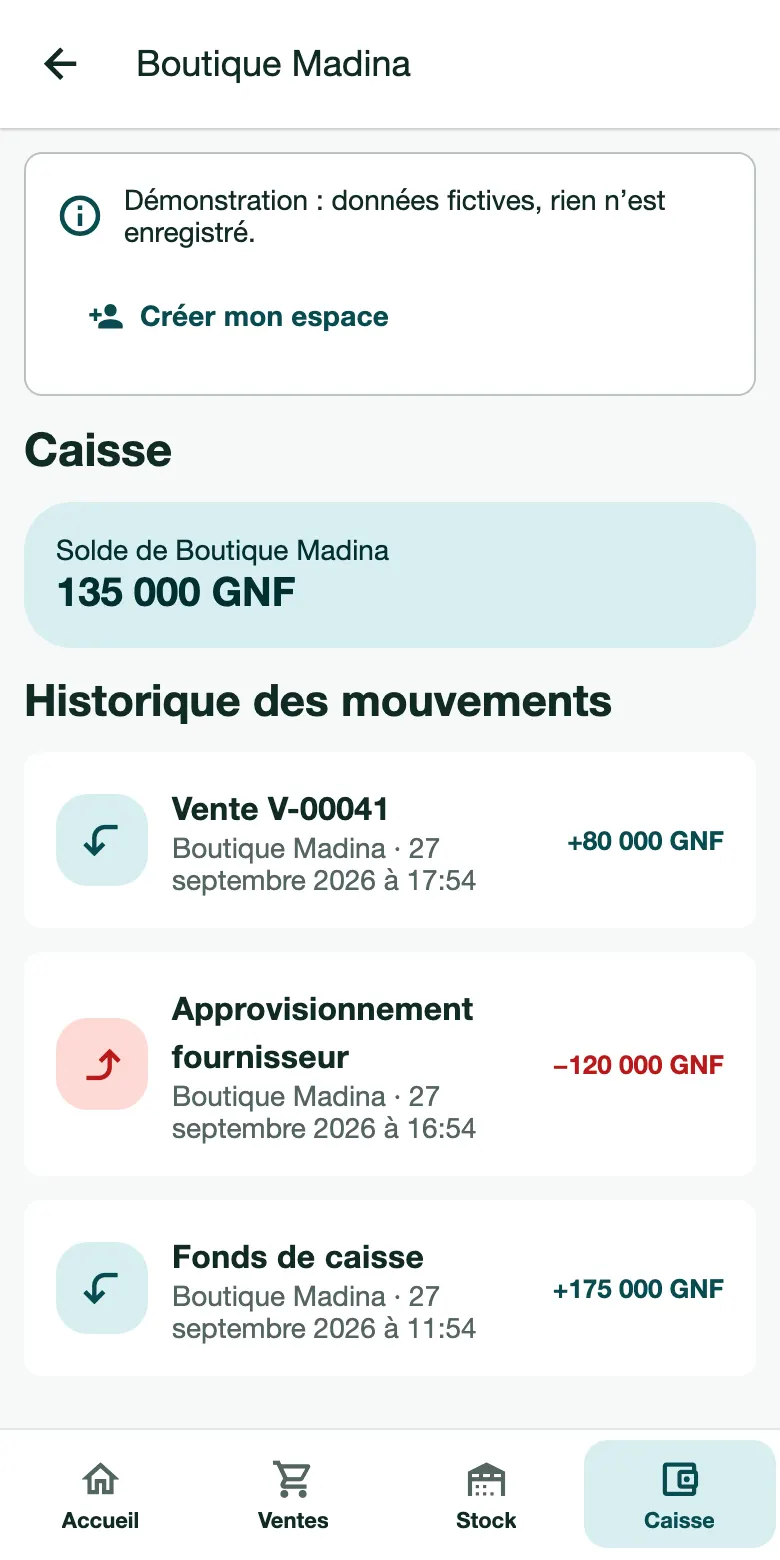
During the day
Add funds: you put money back in the drawer (change, top-up).
Record an expense: you pay for something with cash desk money (transport, urgent purchase). Enter the description and the amount.
Close the cash desk
Tap Close the cash desk.
Count the money in the drawer and enter the Amount actually counted.
If there is a difference with the expected amount, explain it in the note.
Print or share the closing slip with Print or Share.
You can close several times a day, for example at each change of shift. Each closing is dated and shows the name of the person who made it.