 StokOpus
Make a sale
Take payment in cash, by Mobile Money or on credit, and give the receipt.
The cash desk must be open before taking payment. Otherwise, StokOpus shows “The cash desk is closed” with a button to open it.
The steps
Open a new sale
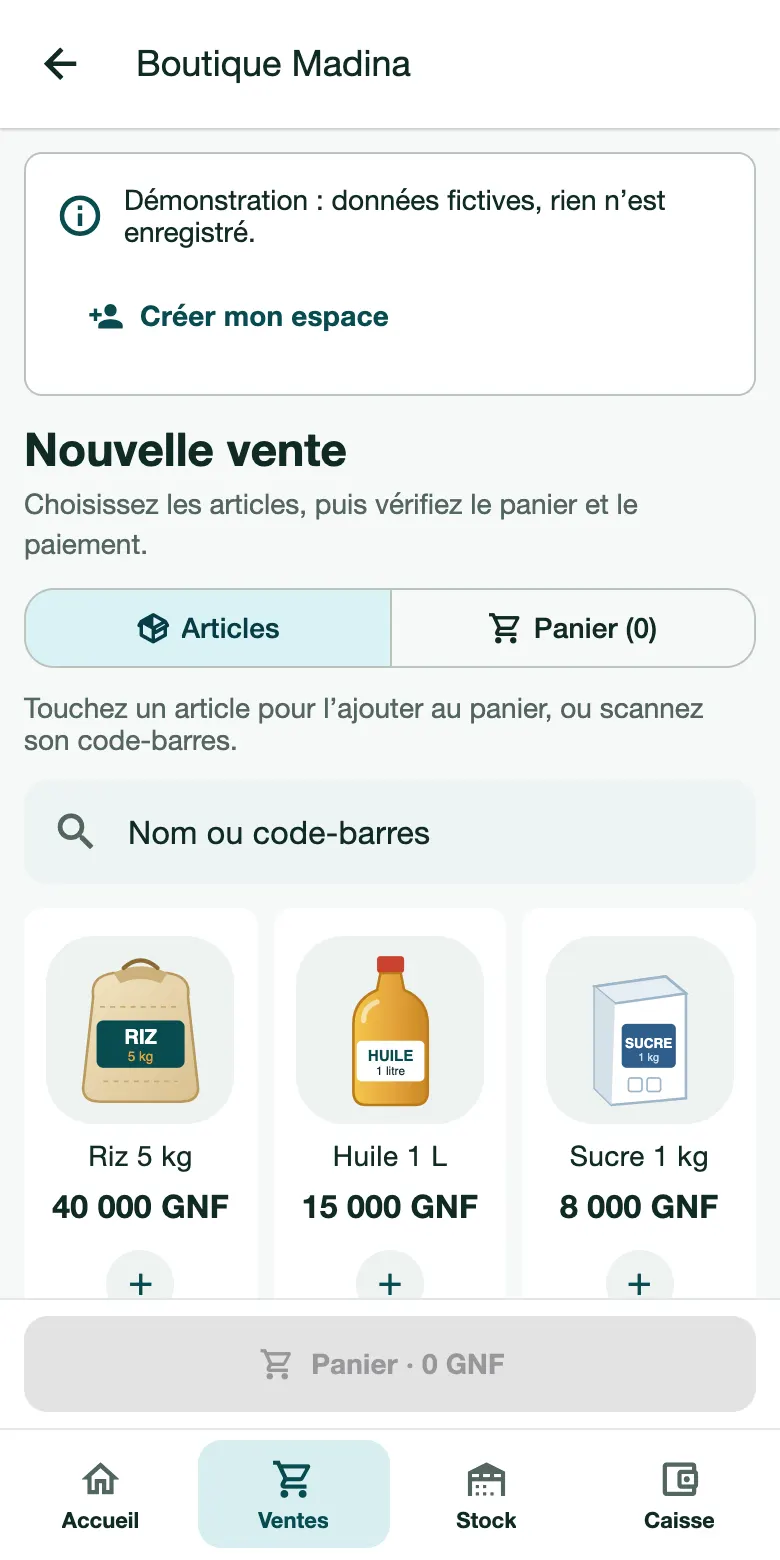
Go to the Sales tab, then New sale.
Add the items
Tap a product to add it to the cart, search for it by Name or barcode, or tap Scan a barcode. The “−” and “+” buttons adjust the quantity.
Check the cart
Tap See cart. There you can Apply a discount on an item if you are allowed to.
Choose the payment
- Cash: the money goes into the cash desk;
- Mobile Money: Orange Money or another;
- Credit: the customer will pay later;
- Deposit: the customer pays part now and the rest later.
For credit or a deposit, choosing the customer is required. For other payments, it is optional.
Confirm
Tap Confirm: stock and cash desk are updated immediately.
The receipt
Open the sale in Sales, then tap Print the receipt, or share it (for example on WhatsApp) from the … menu.
If something blocks
“Out of stock” or sale refused: the requested quantity is more than the stock. Add stock from the product page.
A customer brings an item back: open the sale and choose Return / refund. The original sale is kept.
A cart left without activity is emptied automatically after 5 minutes.